.png)

Fiber Internet for Small Business That Keeps Up
- erlin20
- Jul 24
- 5 min read
A dropped video call during a customer meeting is more than annoying. A slow point-of-sale system can hold up a line, and a failed cloud backup can put a busy day on pause. Fiber internet for small business gives your operation the connection it needs to keep moving, whether you run a storefront, office, salon, clinic, restaurant, or service company from home.
The right plan is not simply the one with the biggest speed number. It should fit how your team works, how many devices are online at once, and how much downtime your business can tolerate. Yep, those details matter more than paying for speed you will never use.
Why Fiber Internet for Small Business Makes Sense
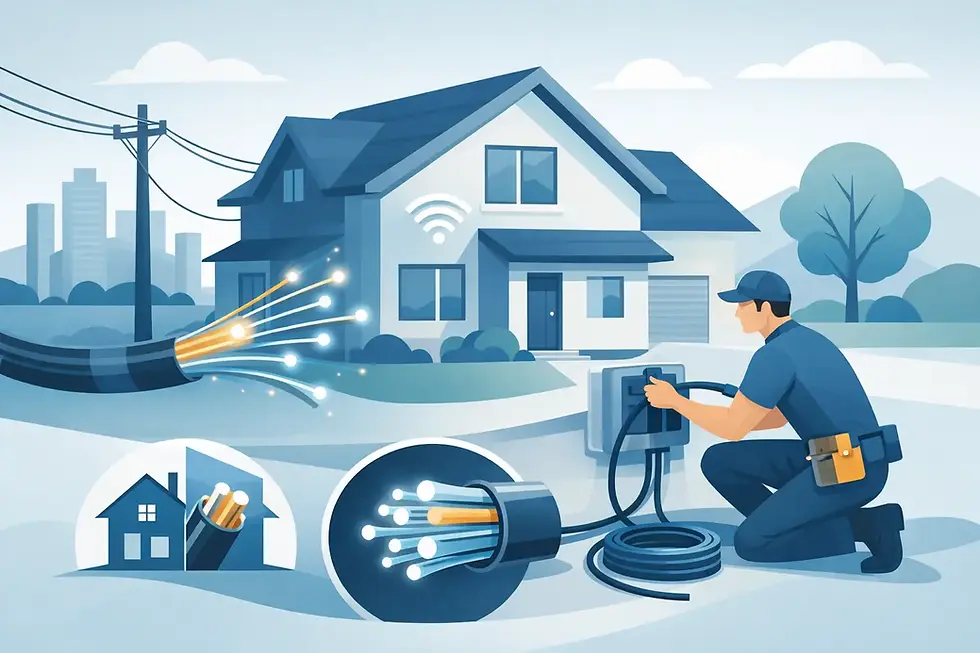
Fiber carries data through light signals over fiber-optic cables rather than the older copper wiring used by many traditional internet services. That difference can deliver higher speeds, lower latency, and more consistent performance when your business is handling a lot at once.
For a small business, that often means video meetings stay clearer while employees access cloud files. Card payments process without the spinning wheel. Customers can use guest WiFi without dragging down the connection your staff relies on. If you send large files, use online scheduling, run security cameras, or rely on cloud-based software, fiber can make everyday tasks feel a lot less frustrating.
Another major advantage is upload capacity. Many business tasks send data out as often as they bring it in: uploading photos, syncing records, backing up customer files, sharing design proofs, or hosting video calls. Fiber plans may offer strong upload speeds, and some plans provide symmetrical upload and download speeds. Exact speeds vary by provider and address, so it is worth confirming the details before you order.
Reliability also has real value. No internet service can promise that an outage will never happen, but fiber infrastructure is generally less vulnerable to interference than older copper-based connections. For a business that depends on internet access to make sales or serve customers, fewer connection issues can protect both revenue and reputation.
Start With What Your Business Does Online
A two-person accounting office and a coffee shop with public WiFi do not need the same service. Before comparing plans, think about your busiest hour instead of your quietest one.
A solo consultant or small office that mainly uses email, web apps, cloud documents, and occasional video calls may be well served by a 500 Mbps plan. It leaves room for multiple devices and daily business traffic without paying for capacity that sits unused.
A team with regular video conferencing, shared cloud storage, online phone systems, several workstations, and customer WiFi may want 940 Mbps or 1 Gig-level service. This range is often a smart middle ground for businesses that need plenty of headroom as staff, devices, or online activity grow.
A 2 Gig plan can make sense for a high-traffic location, a creative team working with large media files, a business running multiple high-resolution security cameras, or an office with many people online at the same time. More speed is helpful, but only when your equipment can use it. An older router, limited Ethernet ports, or outdated employee devices can keep a 2 Gig connection from delivering its full benefit.
The goal is simple: choose enough speed for busy periods, not just enough to get by on a slow Tuesday afternoon.
Count devices, not just employees
One employee can use a laptop, phone, tablet, desk phone, and connected printer. Add payment terminals, security systems, smart TVs, streaming music, inventory tools, and guest devices, and the total climbs fast.
Make a quick count of what connects to your network now, then leave room for what you expect to add over the next year. That approach helps avoid an upgrade scramble after a new staff member, camera system, or digital ordering tool joins the mix.
Fiber Speed Is Only Part of the Setup
Fast fiber service reaches your location, but WiFi is what carries that connection to most devices inside. Those are related, but they are not the same thing.
If the router is tucked into a back office behind metal shelves, your staff may see weak WiFi even with a fast fiber plan. A larger space, thick walls, multiple floors, or outdoor service areas may need better router placement, mesh WiFi, or additional access points. WiFi 7 equipment can be a strong option for businesses with newer devices and heavy network use, but it is not a requirement for every location.
For equipment that cannot afford a weak signal, use a wired Ethernet connection when possible. Desktop workstations, point-of-sale systems, servers, and some security camera hubs tend to benefit from the consistency of a direct wired connection.
Network separation matters, too. Put customer WiFi on a guest network instead of the same network used for payment systems, staff devices, and business files. It is a straightforward step that can improve security and prevent visitors from using bandwidth meant for operations.
Look Beyond the Promotional Price
A low monthly price gets attention, as it should. But a business internet decision deserves a quick look at the full terms behind the offer.
Ask whether the plan includes unlimited data. Data caps can be a poor fit for businesses that back up files, use cloud apps, host video meetings, or provide guest WiFi. Confirm whether equipment, installation, taxes, or other fees apply. Also ask what happens after an introductory promotion ends.
Plans with no annual contract can give a growing business more flexibility. A Price for Life rate structure, where available and subject to plan terms, can also make monthly budgeting easier because you are not left guessing about a sharp price increase after the first year.
Availability is the other big variable. Fiber service, speeds, pricing, and features can differ from one address to the next, even within the same neighborhood. That is why checking the exact business address is more useful than relying on a general citywide claim.
Questions to Ask Before Ordering
A good provider conversation should feel clear, not like a test. Have these details ready: your business address, your current provider and bill, the number of employees and connected devices, and the applications you rely on most.
Then ask direct questions. What speed is available at my address? Are upload speeds the same as download speeds? Is data unlimited? What equipment is included? Is professional installation available? Can I use a guest WiFi network? Are there contract requirements or price changes after a promotional period?
If your internet supports a phone system, alarm panel, cameras, or payment equipment, mention that upfront. Some devices have specific network needs, and it is better to plan around them before the installation appointment.
EAS Services LLC can help simplify that process by checking local availability, comparing options, and explaining which speed tier makes sense for the way your business actually operates. No need to bounce among provider sites and try to decode every fine-print detail on your own.
When Fiber May Not Be the Only Answer
Fiber is an excellent fit for many small businesses, but it depends on availability and your specific needs. If fiber has not reached your address yet, cable internet may still provide strong speeds for many everyday operations. A fixed wireless or mobile backup connection can also be useful for businesses that need a second path online during an unexpected outage.
For businesses where every minute offline has a high cost, consider a backup plan even after choosing fiber. That could mean a mobile hotspot, a secondary connection, or a process for taking payments and serving customers temporarily if the main network goes down. The right answer depends on your budget and how much interruption your business can absorb.
Your internet should support the work, not become another task on the owner’s already full list. Check what is available at your address, match the speed to your busiest moments, and get a real person to walk through the options before you commit. That is a practical way to choose a connection that is ready for the business you are building.


.webp)
Comments